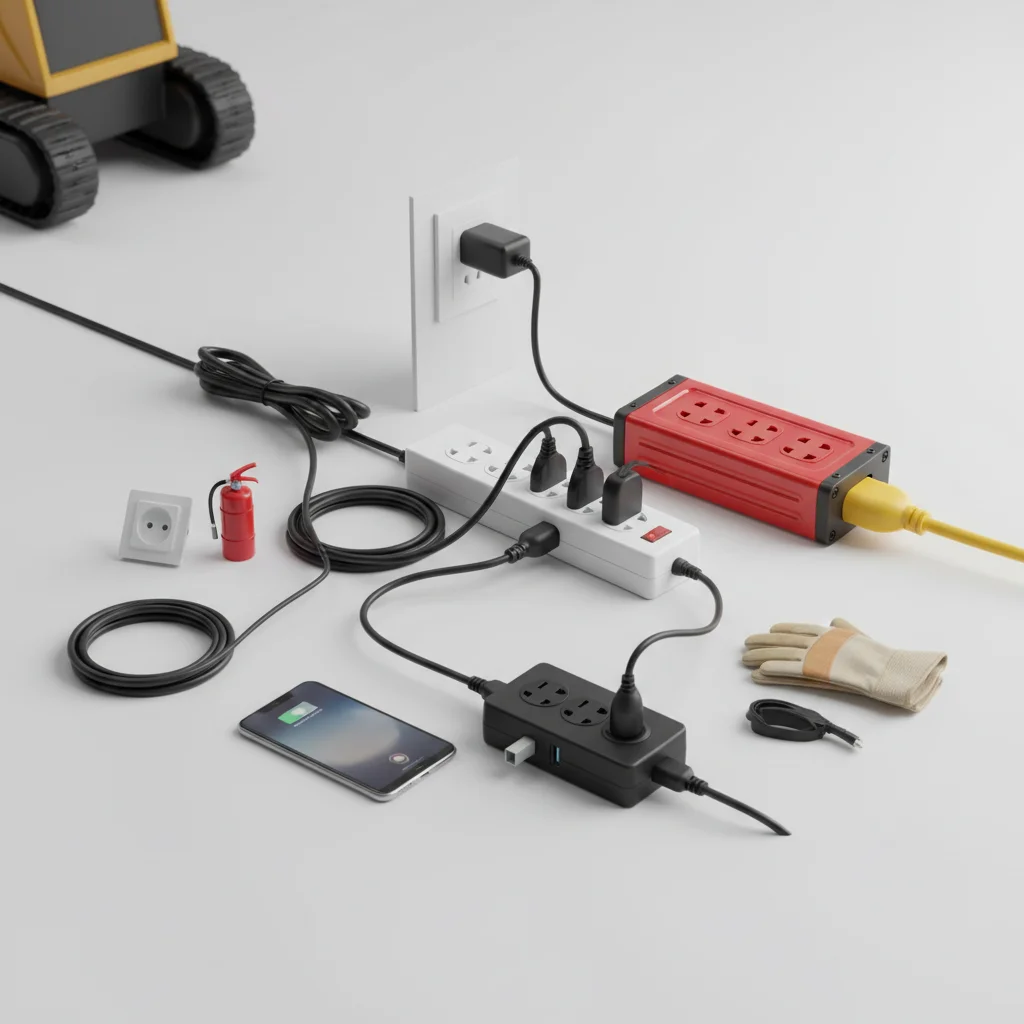
Ensuring power strip safety is paramount to preventing electrical hazards in your home or office. There are five critical tips to follow to minimize risks such as fires, shocks, and equipment damage. Understanding proper usage, overload prevention, and the importance of certified products can significantly enhance the safety of your electrical setup.
Understanding Power Strip Limitations
Power strips are designed for convenience, allowing multiple devices to share a single wall outlet. However, they are not intended to increase the electrical capacity of an outlet. Each power strip has a maximum wattage rating, which should never be exceeded. Overloading a power strip can lead to overheating, short circuits, and potentially fires. Always check the wattage requirements of your devices and compare them to the power strip’s rating before plugging them in. For high-power appliances like refrigerators, microwaves, or space heaters, it’s always best to plug them directly into a wall outlet.
Preventing Overloads and Daisy-Chaining
One of the most common mistakes in power strip usage is overloading. This occurs when the total wattage of all connected devices exceeds the power strip’s capacity. To prevent this, calculate the combined wattage of your devices. Many power strips come with a built-in circuit breaker that will trip if an overload occurs, but relying solely on this feature is not a safe practice. Another critical safety rule is to never daisy-chain power strips, meaning plugging one power strip into another. This practice dramatically increases the risk of overloading and electrical fires, as it bypasses the intended safety mechanisms.
Choosing UL Certified Power Strips
|
Our Picks for the Best Power Strip in 2026
As an Amazon Associate I earn from qualifying purchases.
|
||
| Num | Product | Action |
|---|---|---|
| 1 | Amazon Basics Surge Protector Power Strip, 6-Outlet, 790 Joules, LED Indicator, 6ft Extension Cord, White |

|
| 2 | 6 Ft Surge Protector Power Strip - 8 Widely Outlets with 4 USB Ports, 3 Side Outlet Extender with 6 Feet Extension Cord, Flat Plug, Wall Mount, Desk USB Charging Station, ETL,White |
|
| 3 | 3FT Ultra Flat Plug Extension Cord Power Strip with 3 Outlets, Patented Detachable Ultra-Thin Outlet Cover Concealer & Ultra-Flat Plug, Max. 13A 125V 1625W ETL Listed, White Color |
|
| 4 | Pink Extension Cord with Surge Protector - 5 FT Kawaii Power Strip, Cute Extension Cord with 6 USB(3 USB C) and 8 Outlets, Pink Desk Accessories for Girl Cute Kawaii Room Decor Gifts Office Dorm Home |
|
| 5 | Amazon Basics Surge Protector Power Strip, 6-Outlet with 200J Protection, 2ft Extension Cord, Rectangle, Black (2 Pack) |
|
| 6 | Amazon Basics Rectangle 6-Outlet, 600 Joule Surge Protector Power Strip, 2ft, Black, Small, 2-Pack |
|
| 7 | Surge Protector Power Strip - CHCORE 5Ft Braided Extension Cord with 8 Outlets with 4 USB (2 USB C) Charging Ports, Flat Plug Multi Plug Outlet Extender Charging Station for Home Office, ETL, White |
|
| 8 | 10 Ft Ultra Thin Extension Cord, 5-Outlet Power Strip Surge Protector with 4 USB Ports (2 USB C), 1875W/15A, Low Profile Flat Plug, 1700 Joules, Wall Mount for Home Office, White |
|
| 9 | Surge Protector Power Strip - HANYCONY 8 Outlets 4 USB (2 USB C) Charging Ports, Multi Plug Outlet Extender, 5Ft Braided Extension Cord, Flat Plug Wall Mount Desk Charging Station for Home Office ETL |
|
| 10 | Belkin 12-Outlet Surge Protector Power Strip w/ 12 AC Outlets & 8ft Flat Plug, UL-listed Heavy-Duty Extension Cord for Home, Office, Travel, Computer, Laptop, Charger - 3,940 Joules of Protection |
|
When purchasing a power strip, always look for products that are UL (Underwriters Laboratories) certified. UL certification indicates that the product has been tested and meets specific safety standards. Non-certified power strips may not have adequate internal wiring, surge protection, or fire-resistant casings, making them a significant safety risk. The UL mark is usually found on the product’s packaging or directly on the power strip itself. Investing in a certified product is a simple yet effective way to ensure a higher level of safety for your electronics and property.
- Always check for the UL certification mark.
- Verify the power strip’s wattage and amperage ratings.
- Ensure the power strip has surge protection for sensitive electronics.
- Look for features like individual outlet switches for better control.
- Consider models with automatic shut-off features for added safety.
Proper Placement and Maintenance
The placement of your power strip is crucial for safety. Avoid placing power strips under rugs, carpets, or furniture, as this can trap heat and create a fire hazard. Ensure there is adequate ventilation around the power strip to dissipate heat effectively. Regularly inspect your power strips for any signs of damage, such as frayed cords, cracked casings, or discolored outlets. If you notice any damage, immediately discontinue use and replace the power strip. Dust and debris can also accumulate in outlets, so periodic cleaning (with the power strip unplugged) is recommended to prevent electrical issues.
Understanding Surge Protection and Grounding
While all power strips distribute power, not all offer surge protection. Surge protectors are designed to safeguard your electronic devices from sudden spikes in voltage, which can occur due to lightning strikes or power grid fluctuations. Look for power strips with a joule rating, which indicates the amount of energy the surge protector can absorb before failing. A higher joule rating offers better protection. Additionally, ensure your power strip has a three-prong plug and is connected to a properly grounded outlet. Grounding provides a safe path for excess electricity to dissipate, further reducing the risk of electrical shock and damage to devices.
Get our weekly buyer guide
Practical specs, not advice. Unsubscribe anytime.
