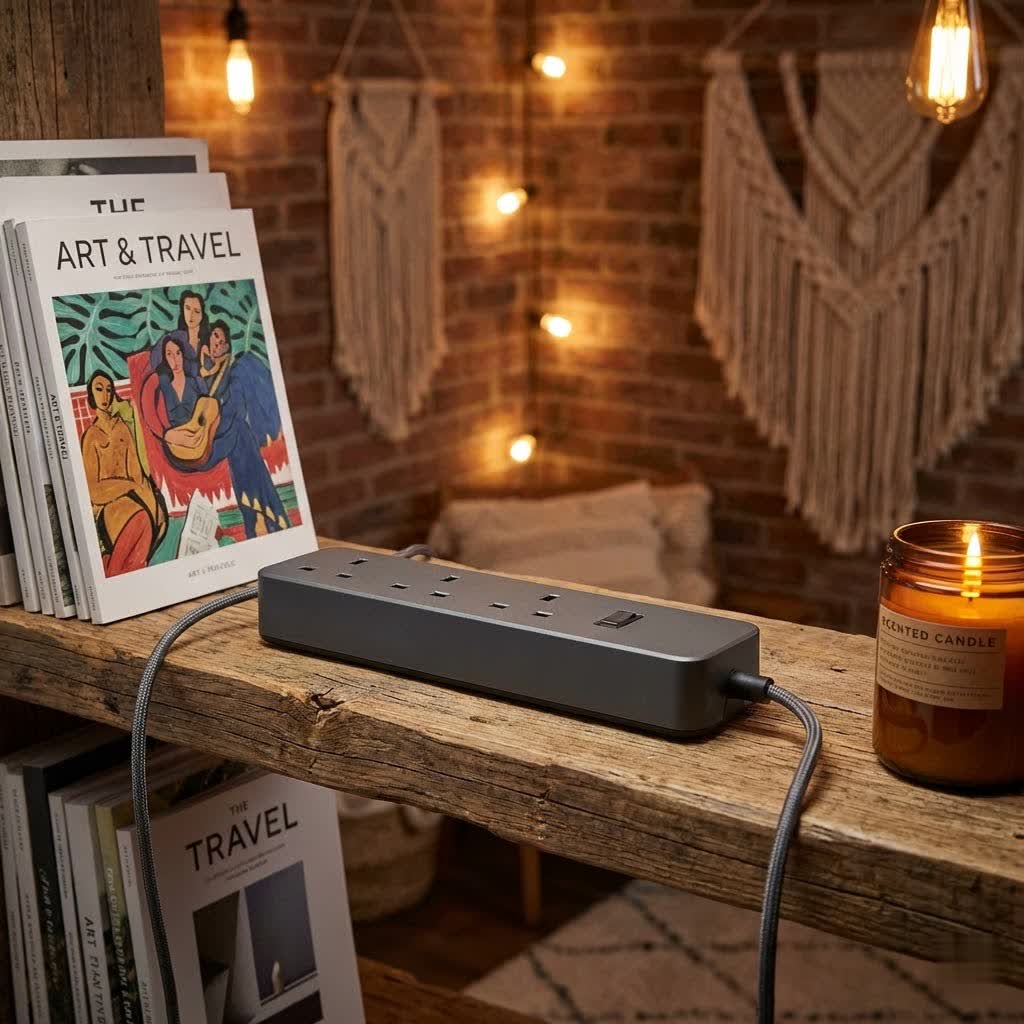
Are tangled cables and a scarcity of outlets turning your productive workspace into a frustrating mess? In today’s digital age, our desks are home to a growing array of devices, from laptops and monitors to smartphones and smart home gadgets. Each requires power, and traditional wall outlets often fall short, leading to unsightly clutter and potential hazards. This is where the humble yet essential desk power strip steps in, transforming chaos into order and safeguarding your valuable electronics. As a seasoned technician with over a decade of experience in electrical equipment, particularly power strips, I’m here to guide you through selecting the perfect power solution for your needs.
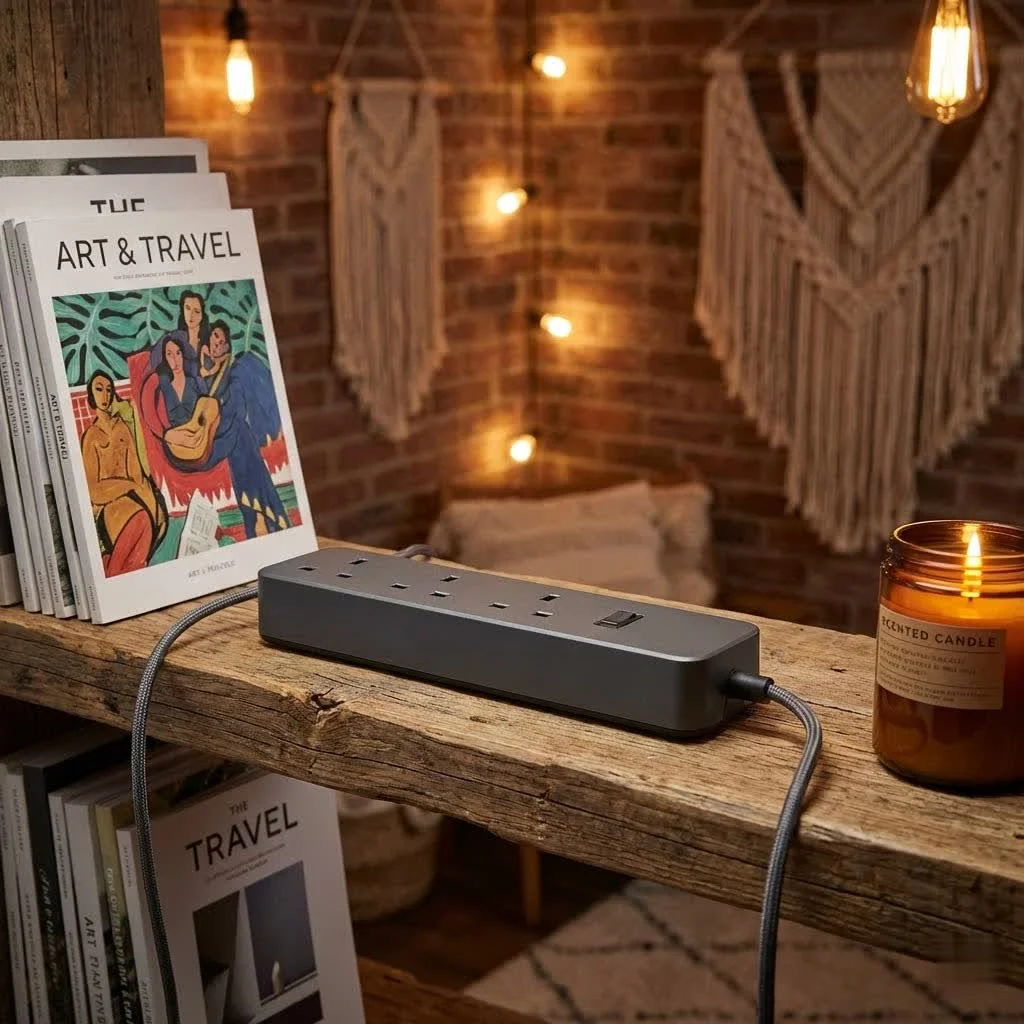
What is a Desk Power Strip? Why Do You Need One?
A desk power strip, often referred to as a power bar or extension block, is more than just a multi-outlet extension cord. It’s a fundamental electrical accessory designed to expand the number of available outlets and often integrate essential protection mechanisms directly into your workspace. Its primary purpose is to consolidate power for multiple devices, making your desk more functional, organized, and safe.
The importance of a good desk power strip cannot be overstated. It serves several critical functions:
- Workspace Organization: By providing a central hub for all your device plugs, a desk power strip significantly reduces cable clutter, helping you maintain a tidy and focused environment.
- Device Protection: Many modern power strips include surge protection, which is vital for shielding sensitive electronics like computers and monitors from damaging voltage spikes caused by power fluctuations or lightning strikes.
- Enhanced Convenience: With strategically placed outlets and often integrated USB charging ports, a desk power strip ensures all your essential devices are powered and within easy reach, minimizing awkward stretching and improving accessibility.
- Prevents Overloaded Circuits: Instead of forcing too many devices into a single wall outlet, a power strip allows you to distribute the load, helping to prevent dangerous circuit overloads that can lead to electrical fires.
While basic power strips merely offer additional outlets, specialized versions come with surge protection, smart features, and various charging capabilities, making them indispensable for any modern desk setup.
Types of Desk Power Strips: Finding Your Perfect Fit
The market offers a diverse range of desk power strips, each designed to meet specific needs and aesthetic preferences. Understanding the different types based on their mounting style, design, and features is key to choosing the best one for your workspace.
By Mounting Style and Design
|
Our Picks for the Best Power Strip in 2026
As an Amazon Associate I earn from qualifying purchases.
|
||
| Num | Product | Action |
|---|---|---|
| 1 | 3FT Ultra Flat Plug Extension Cord Power Strip with 3 Outlets, Patented Detachable Ultra-Thin Outlet Cover Concealer & Ultra-Flat Plug, Max. 13A 125V 1625W ETL Listed, White Color |

|
| 2 | Amazon Basics Surge Protector Power Strip, 6-Outlet, 790 Joules, LED Indicator, 6ft Extension Cord, White |
|
| 3 | Pink Extension Cord with Surge Protector - 5 FT Kawaii Power Strip, Cute Extension Cord with 6 USB(3 USB C) and 8 Outlets, Pink Desk Accessories for Girl Cute Kawaii Room Decor Gifts Office Dorm Home |
|
| 4 | 10 Ft Ultra Thin Extension Cord, 5-Outlet Power Strip Surge Protector with 4 USB Ports (2 USB C), 1875W/15A, Low Profile Flat Plug, 1700 Joules, Wall Mount for Home Office, White |
|
| 5 | Surge Protector Power Strip - HANYCONY 8 Outlets 4 USB (2 USB C) Charging Ports, Multi Plug Outlet Extender, 5Ft Braided Extension Cord, Flat Plug Wall Mount Desk Charging Station for Home Office ETL |
|
| 6 | Amazon Basics Rectangle 6-Outlet, 600 Joule Surge Protector Power Strip, 2ft, Black, Small, 2-Pack |
|
| 7 | Belkin 12-Outlet Surge Protector Power Strip w/ 12 AC Outlets & 8ft Flat Plug, UL-listed Heavy-Duty Extension Cord for Home, Office, Travel, Computer, Laptop, Charger - 3,940 Joules of Protection |
|
| 8 | 6 Ft Surge Protector Power Strip - 8 Widely Outlets with 4 USB Ports, 3 Side Outlet Extender with 6 Feet Extension Cord, Flat Plug, Wall Mount, Desk USB Charging Station, ETL,White |
|
| 9 | Amazon Basics Surge Protector Power Strip, 6-Outlet with 200J Protection, 2ft Extension Cord, Rectangle, Black (2 Pack) |
|
| 10 | Surge Protector Power Strip - CHCORE 5Ft Braided Extension Cord with 8 Outlets with 4 USB (2 USB C) Charging Ports, Flat Plug Multi Plug Outlet Extender Charging Station for Home Office, ETL, White |
|
- On-Desk/Tabletop Power Strips: These are designed for easy access, sitting directly on your desk surface. They often feature thoughtful designs, such as rotating outlets or a compact footprint, to blend seamlessly with your workspace decor while keeping power readily available.
- Under-Desk Power Strips: For those who prefer a minimalist, clutter-free desk surface, under-desk power strips are an excellent choice. They are mounted discreetly beneath your desk, keeping cables out of sight. Common mounting methods include:
- Screw-Mount: Permanently attached to the underside of the desk with screws, offering maximum stability.
- Bracket-Mount: Uses brackets that are screwed into the desk, allowing the power strip to be cradled.
- Clamp-On Power Strips: These attach to the edge of your desk using C-clamps, offering a secure hold without requiring any drilling. They are highly versatile and easily repositionable, making them ideal for adjustable standing desks or temporary setups.
- Adhesive Solutions: Some lightweight strips come with high-strength adhesive strips for quick, drill-free installation on smooth surfaces.
- Power Grommets: For the ultimate integrated look, power grommets are circular or rectangular units that fit into a drilled hole on your desktop. They provide a flush, built-in power solution, often with a combination of AC outlets and USB ports, offering a remarkably clean aesthetic.
- Tower Power Strips: These vertical designs are perfect for maximizing power in a compact footprint. They typically offer numerous outlets and USB ports arranged vertically, making them suitable for crowded desks or shared workspaces where multiple devices need charging.
By Features
- Basic Power Strips: These provide simple outlet expansion without advanced protection or charging features. They are a budget-friendly option for non-sensitive devices or situations where surge protection is already provided upstream.
- Surge Protector Power Strips: An essential upgrade, these strips protect your devices from sudden voltage spikes. They are rated in Joules, indicating the amount of energy they can absorb before failing. A higher Joule rating (e.g., 600-2400J for a home office) offers better protection. They often include a circuit breaker to prevent overloads and fire-resistant materials for enhanced safety.
- Smart Power Strips: Integrating with smart home ecosystems, these power strips offer advanced control. You can manage individual outlets remotely via an app, set schedules, or monitor energy consumption, adding a layer of convenience and energy efficiency to your setup.
- USB Charging Power Strips: With the proliferation of USB-powered devices, many power strips now include dedicated USB-A and USB-C ports. USB-C ports are becoming increasingly popular due to their faster charging speeds (often supporting Power Delivery – PD or Quick Charge – QC protocols) and reversible design, making them ideal for modern laptops, tablets, and smartphones. Some advanced models even incorporate GaN (Gallium Nitride) technology for more efficient and compact fast charging.
Comparison Table: Popular Desk Power Strip Types at a Glance
| Feature | On-Desk/Tabletop | Under-Desk (Screw/Bracket) | Clamp-On Desk Power Strip | Power Grommet | Smart Power Strip |
|---|---|---|---|---|---|
| Visibility | High (on surface) | Low (hidden) | Medium (on desk edge) | Low (integrated flush) | Varies (can be any type) |
| Installation | Plug & Play | Moderate (drilling/screws) | Easy (no drilling) | High (drilling required) | Varies by physical type |
| Portability | High | Low | Medium | Low | High (if not mounted) |
| Aesthetics | Visible, can be decorative | Clean, minimalist | Modern, space-saving | Ultra-clean, integrated | Functional, potentially discreet |
| Typical Outlets | 3-8 AC, 1-4 USB | 4-8 AC, 1-4 USB | 3-6 AC, 1-3 USB | 2-4 AC, 1-2 USB | 4-6 AC, 1-3 USB (Wi-Fi) |
| Key Benefit | Immediate access, stylish | Maximized desk space, cable mgmt | No damage to desk, flexible | Seamless integration | Remote control, energy mgmt |
| Consideration | Takes up desk space | Less accessible, harder to move | May not fit all desk designs | Permanent modification | Requires Wi-Fi, app control |
| Price Range (Est.) | $$- $$$ | $$- $$$ | $$- $$$ | $$$- $$$ | $$$- $$$ |
How to Choose the Right Desk Power Strip: A Comprehensive Buying Guide
Selecting the ideal desk power strip involves more than just picking one with enough outlets. Here’s a comprehensive guide to ensure you make an informed decision for your workspace.
1. Assess Your Needs
Start by taking inventory of your current and future devices.
- Number and Type of Devices: How many AC-powered devices (monitors, desktop PCs, lamps) and USB-powered gadgets (smartphones, tablets, headphones) do you use? Factor in potential future additions.
- Workspace Layout: Where will the power strip be placed? Consider the distance to your wall outlet to determine the required cord length. If you have a standing desk, you’ll need a longer cord with sufficient slack (a “service loop”) to accommodate vertical movement.
- Required Features: Do you need basic power expansion, or is surge protection a non-negotiable? Are fast USB charging ports essential for your devices? Would smart features like remote control and energy monitoring simplify your life?
2. Prioritize Safety Features
Protecting your valuable electronics and ensuring a safe working environment should be paramount.
- Surge Protection: Look for a power strip with a Joule rating. For a standard home office with sensitive electronics like computers, a rating between 600 and 2400 Joules is generally recommended. Higher ratings offer better protection.
- Circuit Breakers: An integrated circuit breaker is crucial. It automatically trips and cuts power if the strip is overloaded, preventing overheating and potential fires.
- Safety Certifications: Always choose products certified by recognized safety organizations such as UL (Underwriters Laboratories) or ETL (Electrical Testing Laboratories) in North America. These certifications indicate the product has been tested to meet specific safety standards.
- Fire-Resistant Materials: Some power strips are constructed with fire-resistant plastic housings, adding an extra layer of protection.
3. Consider Design and Ergonomics
A well-designed power strip enhances both functionality and aesthetics.
- Outlet Spacing: Bulky power adapters can often block adjacent outlets. Look for power strips with widely spaced or rotating outlets to ensure you can utilize every port.
- Mounting Options: Decide if you prefer an on-desk, under-desk, clamp-on, or grommet style. Each offers different levels of accessibility and visual integration. Clamp-on options are particularly good for flexibility and avoiding desk damage.
- Cord Management: Some power strips incorporate cable management features, like channels or ties, to help keep cords neat and organized.
- Flat Plug Heads: A right-angle or flat plug head for the power strip’s main cord can allow furniture to sit flush against the wall, saving space and reducing the risk of accidental disconnection.
4. Check Specifications
Understanding the electrical specifications is vital to avoid overloading.
- Maximum Power Capacity (Wattage) and Amperage: Ensure the power strip can safely handle the total wattage of all devices you plan to plug in. Most standard power strips are rated for 15 amps (approximately 1875 watts at 125V). Never exceed this limit.
- USB Output: For USB ports, check the total wattage and amperage, especially for fast-charging ports (e.g., 65W or 100W USB-C PD). Ensure it matches your devices’ charging requirements.
5. Brand Reputation and Reviews
Stick with reputable brands known for quality and safety, such as Anker, Belkin, Tessan, Bototek, Uplift, Trond, Bestek, and Tapo. Reading user reviews can provide real-world insights into a product’s performance and durability.
6. Warranty
A good warranty provides peace of mind. Reputable brands often offer multi-year warranties on their power strips and, sometimes, even connected equipment warranties for surge protectors.
Top Desk Power Strips for a Modern Workspace
While specific models constantly evolve, the best desk power strips consistently integrate several popular and highly beneficial features:
- High Joule Rating: Prioritize strips with substantial surge protection (e.g., 2000+ Joules) to safeguard sensitive and expensive electronics like gaming PCs and multiple monitors.
- Multiple USB-C Ports with Fast Charging: Look for power strips equipped with at least one high-wattage USB-C Power Delivery (PD) port (65W, 100W, or more), alongside standard USB-A ports, to efficiently charge laptops, tablets, and smartphones. Many top models now feature GaN technology for faster, cooler, and more compact charging.
- Wide-Spaced and Rotating Outlets: To combat the issue of bulky power bricks, leading desk power strips offer ample space between AC outlets, sometimes with rotating designs, ensuring all ports are usable.
- Robust Mounting Options: Versatility in mounting is a key feature. Clamp-on designs are highly favored for their ease of installation and ability to secure the strip without damaging the desk, especially for sit-stand desks where under-desk options need to accommodate movement. Screw-mount or keyhole options are also excellent for permanent installations.
- Smart Capabilities: For those seeking advanced control, integrating Wi-Fi connectivity allows for remote management, scheduling, and energy monitoring of your connected devices, enhancing convenience and efficiency.
Popular brands like Anker, Belkin, and Tessan frequently release models that incorporate these features, offering reliable and innovative solutions for powering your desk.
Essential Tips for Safe and Efficient Desk Power Strip Use
Even the best power strip needs to be used correctly to ensure safety and longevity. Follow these guidelines for optimal performance:
- Never Overload: The most critical rule. Do not plug in devices that collectively exceed the power strip’s maximum wattage or amperage rating. High-wattage appliances like space heaters, microwaves, or kettles should always be plugged directly into a wall outlet, not a power strip.
- Proper Placement: Place your power strip in a dry environment with good ventilation. Avoid covering it with rugs or placing it in enclosed cabinets, as this can lead to overheating.
- Regular Inspection: Periodically check the power strip, its cord, and all connected plugs for signs of damage, fraying, discoloration, or loose connections. If you notice any issues, replace the strip immediately.
- Manage Cables Thoughtfully: Utilize cable ties or sleeves to keep cords neat and prevent them from becoming tripping hazards or getting tangled in chair wheels or desk mechanisms.
- “Service Loop” for Standing Desks: If you have a standing desk, create a gentle “service loop” (a deliberate amount of slack) in the power strip’s main cord and all connected device cables. This prevents strain and fatigue on the cables as the desk moves up and down.
- Secure Mounting: If your power strip is mountable (under-desk or clamp-on), ensure it is securely fastened. Screws or robust clamps are preferable to adhesive solutions for heavier strips or long-term stability.
- Avoid Daisy-Chaining: Never plug one power strip into another. This “daisy-chaining” can quickly overload the circuit and create a significant fire hazard.
Conclusion
In an increasingly connected world, a well-chosen desk power strip is no longer a luxury but a necessity for any productive and organized workspace. From preventing cable clutter to safeguarding your precious electronics against power surges, the right power strip enhances convenience, boosts efficiency, and ensures safety. By considering your specific needs, prioritizing crucial safety features, and understanding the various types and designs available, you can confidently select the perfect power strip to transform your desk into an ergonomic and efficient hub.
Don’t let a tangled mess of cords detract from your focus or put your valuable equipment at risk. Invest in a quality desk power strip and experience the peace of mind that comes with a perfectly powered and organized workspace. What’s your favorite feature in a desk power strip, and how has it improved your daily routine? Share your experiences below!
Frequently Asked Questions
What is the difference between a power strip and a surge protector?
A power strip simply provides additional electrical outlets from a single wall socket. A surge protector, on the other hand, does this while also defending connected devices from damaging voltage spikes or “surges” that can occur during electrical disturbances. All surge protectors are power strips, but not all power strips offer surge protection.
Can I plug a space heater into a desk power strip?
No, you should never plug high-wattage appliances like space heaters, air conditioners, or mini-fridges into a standard desk power strip. These devices draw significant power and can easily overload the power strip, leading to overheating, tripping circuit breakers, or even electrical fires. Always plug them directly into a wall outlet.
How many devices can I plug into a desk power strip?
The number of devices you can safely plug in depends on the power strip’s maximum wattage or amperage rating and the power draw of your devices. Always ensure the total wattage of all connected devices does not exceed the power strip’s specified limit, typically around 1875 watts for a 15-amp strip.
What is a good Joule rating for a desk power strip?
For a home office setup with valuable electronics like computers, monitors, and external hard drives, a surge protector with a Joule rating of at least 600J to 1000J is recommended. For more sensitive or expensive equipment, look for ratings of 2000J or higher for enhanced protection against larger surges.
Are all desk power strips mountable?
No, not all desk power strips are designed to be mountable. Many standard power strips are simply designed to lie flat. However, many models specifically marketed as “desk power strips” offer various mounting options such as keyhole slots for screws, clamp-on brackets, or adhesive strips for under-desk or edge-of-desk installation.
What is GaN technology in power strips?
GaN (Gallium Nitride) technology uses a semiconductor material that allows chargers and power strips to be more efficient, generate less heat, and be significantly smaller and lighter than those using traditional silicon. This enables faster charging speeds for USB ports in a more compact and safer design.
Get our weekly buyer guide
Practical specs, not advice. Unsubscribe anytime.
