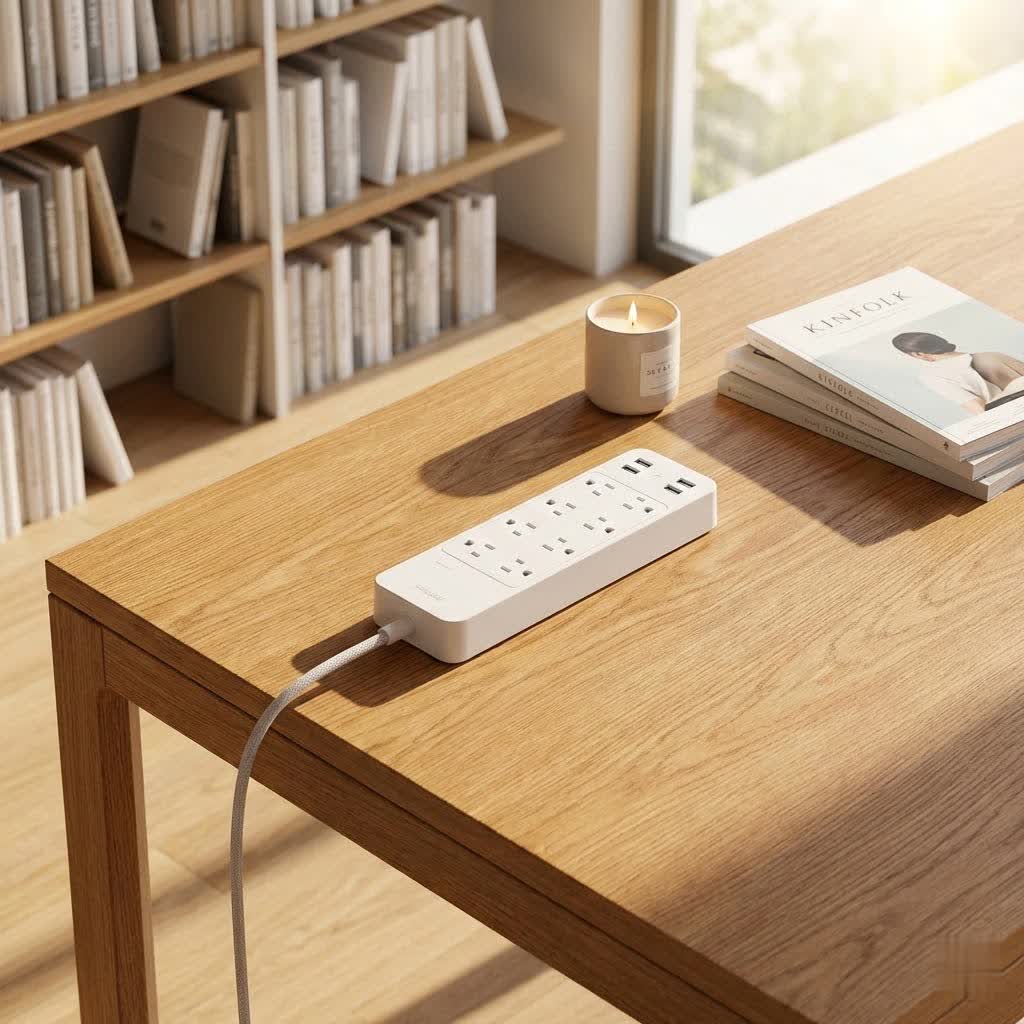
Are you tired of constantly searching for an available outlet, only to find your devices scattered and unprotected? In our modern, device-driven lives, a reliable power strip is no longer a luxury but a necessity. From charging your smartphone to safeguarding expensive electronics, the right power strip offers both convenience and crucial protection. With over a decade of hands-on experience in electrical equipment, especially power strips, I’ve seen these essential gadgets evolve from simple multi-sockets to sophisticated smart hubs. Join me as we explore the world of power strips to help you choose the perfect one for your home or office.
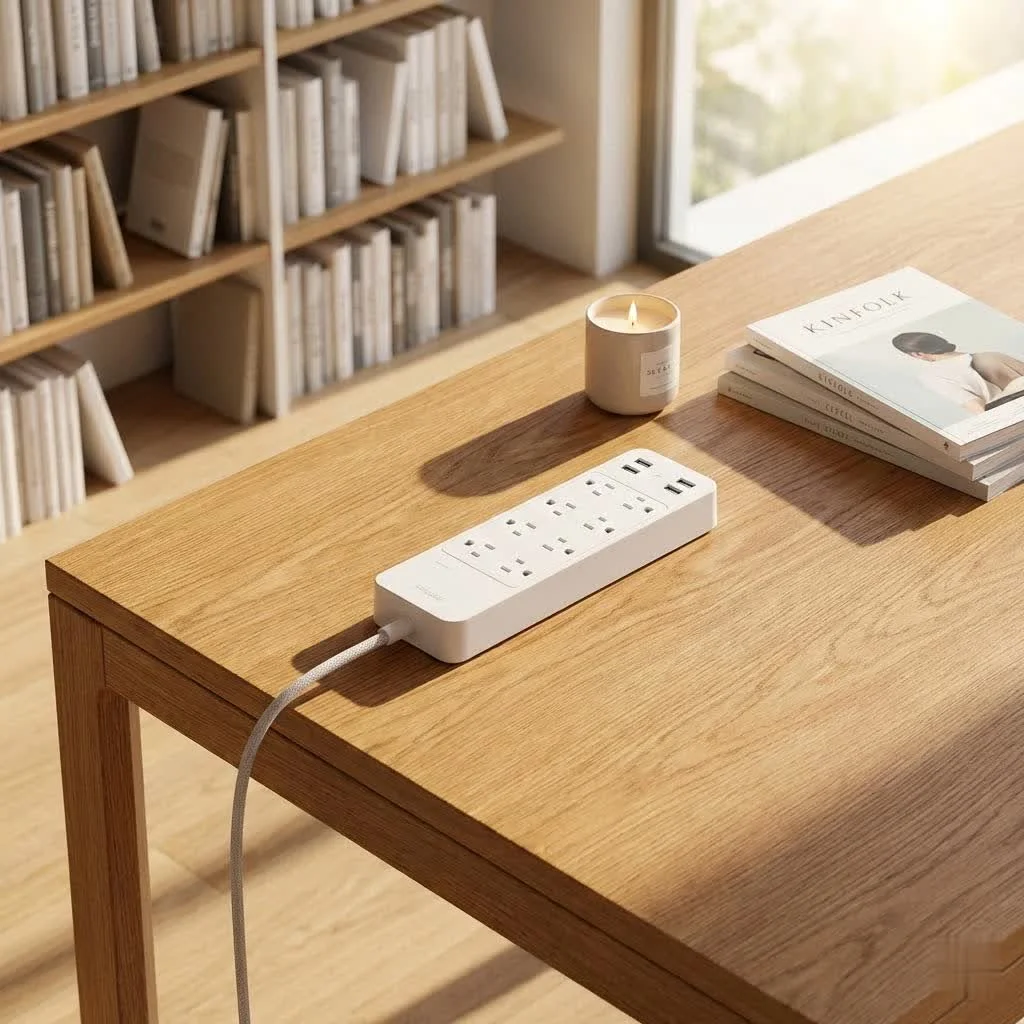
What is a Power Strip and Why Do You Need One?
A power strip, often referred to as an extension cord with multiple outlets, simply expands the number of devices you can power from a single wall socket. It provides convenience, making it easier to connect multiple gadgets in one location. However, it’s crucial to understand that not all power strips are created equal. For expert power strips reviews on this site.
The term “power strip” is frequently confused with a “surge protector,” yet they serve fundamentally different purposes. While a basic power strip offers more outlets, it provides no protection against electrical disturbances. A surge protector, on the other hand, is specifically engineered to shield your electronics from sudden, dangerous spikes in electrical voltage, such as those caused by lightning strikes or power fluctuations. These devices work by diverting excess electricity away from your connected equipment, preventing damage. Choosing a power strip with built-in surge protection is vital for sensitive and valuable electronics like computers, televisions, and gaming consoles.
Types of Power Strips: Finding Your Perfect Match
The market offers a wide array of power strips, each designed to cater to different needs and environments. Understanding the various types can help you make an informed decision.
By Number of Outlets
The number of outlets is often the first consideration.
- 3-Outlet Power Strips: Ideal for basic needs, such as a single desk lamp and a phone charger, or for travel where space is limited.
- 5-6 Outlet Power Strips: The most common choice for home and office use, accommodating multiple devices like laptops, monitors, and peripheral chargers.
- 8+ Outlet Power Strips: Best for setups with numerous electronics, like home entertainment systems, extensive workstation, or gaming rigs, ensuring all devices have a dedicated power source.
By Features
Modern power strips come with a range of features that enhance functionality and safety.
- Standard Power Strips: These are basic, offering only additional outlets without any advanced protection or smart capabilities. They are budget-friendly but lack crucial safety features for sensitive electronics.
- Surge Protector Power Strips: These strips include internal components that “clamp” or divert excessive voltage, safeguarding connected devices from power surges. Key specifications to look for include:
- Joule Rating: Indicates the amount of energy the surge protector can absorb. A higher joule rating (e.g., 1000-2000 joules) provides better protection for expensive equipment. A minimum of 600 joules is generally recommended for basic protection.
- Clamping Voltage: The voltage level at which the surge protector begins to divert excess electricity. Lower clamping voltage means faster and more effective protection.
- Response Time: How quickly the device reacts to a surge, typically measured in nanoseconds. A faster response time is preferable.
- Smart Power Strips: Integrating seamlessly into your smart home, these devices offer advanced control and monitoring capabilities via Wi-Fi. Features often include:
- Individual Outlet Control: Manage each outlet independently using a smartphone app or voice commands (e.g., Alexa, Google Assistant, Apple HomeKit).
- Energy Monitoring: Track the power consumption of connected devices, helping you identify energy hogs and potentially reduce electricity bills.
- Scheduling and Timers: Set specific times for devices to turn on or off, ideal for automating lighting or charging cycles.
- Voice Assistant Compatibility: Control your devices hands-free through popular smart assistants.
- USB Ports: Many smart power strips include USB-A and increasingly, faster USB-C ports for direct device charging. Note that USB ports might be group-controlled rather than individually managed.
- Some models, like the Unifi SmartPower Strip, even offer specialized features such as internet outage recovery for networking equipment.
- USB Power Strips: Designed with integrated USB-A and/or USB-C ports, these eliminate the need for bulky wall adapters, keeping charging cables organized and readily available. USB-C is rapidly becoming the standard for its faster charging and symmetrical design.
- Circuit Breaker: A fundamental safety feature that automatically cuts power if the strip is overloaded, preventing overheating and potential fires.
By Design
Power strips come in various physical forms to suit different spaces and aesthetic preferences.
- Flat Plug Power Strips: Feature a low-profile plug that sits flush against the wall, ideal for tight spaces or behind furniture.
- Tower Power Strips: Vertical designs that save horizontal space, often featuring outlets on multiple sides and sometimes retractable cords. These are excellent for desks or shared workspaces.
- Wall-Mounted Power Strips: Designed to plug directly into a wall outlet and sit securely, offering a streamlined solution without extra cords. Some even include phone holders.
- Travel Power Strips: Compact and lightweight, these strips are perfect for on-the-go use, often including universal outlets and multiple USB ports.
Comparing Popular Power Strip Types
|
Our Picks for the Best Power Strip in 2026
As an Amazon Associate I earn from qualifying purchases.
|
||
| Num | Product | Action |
|---|---|---|
| 1 | 3FT Ultra Flat Plug Extension Cord Power Strip with 3 Outlets, Patented Detachable Ultra-Thin Outlet Cover Concealer & Ultra-Flat Plug, Max. 13A 125V 1625W ETL Listed, White Color |

|
| 2 | Surge Protector Power Strip - HANYCONY 8 Outlets 4 USB (2 USB C) Charging Ports, Multi Plug Outlet Extender, 5Ft Braided Extension Cord, Flat Plug Wall Mount Desk Charging Station for Home Office ETL |
|
| 3 | 6 Ft Surge Protector Power Strip - 8 Widely Outlets with 4 USB Ports, 3 Side Outlet Extender with 6 Feet Extension Cord, Flat Plug, Wall Mount, Desk USB Charging Station, ETL,White |
|
| 4 | Amazon Basics Surge Protector Power Strip, 6-Outlet with 200J Protection, 2ft Extension Cord, Rectangle, Black (2 Pack) |
|
| 5 | 10 Ft Ultra Thin Extension Cord, 5-Outlet Power Strip Surge Protector with 4 USB Ports (2 USB C), 1875W/15A, Low Profile Flat Plug, 1700 Joules, Wall Mount for Home Office, White |
|
| 6 | Amazon Basics Rectangle 6-Outlet, 600 Joule Surge Protector Power Strip, 2ft, Black, Small, 2-Pack |
|
| 7 | Amazon Basics Surge Protector Power Strip, 6-Outlet, 790 Joules, LED Indicator, 6ft Extension Cord, White |
|
| 8 | Pink Extension Cord with Surge Protector - 5 FT Kawaii Power Strip, Cute Extension Cord with 6 USB(3 USB C) and 8 Outlets, Pink Desk Accessories for Girl Cute Kawaii Room Decor Gifts Office Dorm Home |
|
| 9 | Belkin 12-Outlet Surge Protector Power Strip w/ 12 AC Outlets & 8ft Flat Plug, UL-listed Heavy-Duty Extension Cord for Home, Office, Travel, Computer, Laptop, Charger - 3,940 Joules of Protection |
|
| 10 | Surge Protector Power Strip - CHCORE 5Ft Braided Extension Cord with 8 Outlets with 4 USB (2 USB C) Charging Ports, Flat Plug Multi Plug Outlet Extender Charging Station for Home Office, ETL, White |
|
To help you visualize the differences, here’s a comparison of common power strip types:
| Feature/Type | Standard Power Strip | Surge Protector Power Strip | Smart Power Strip | USB Power Strip |
|---|---|---|---|---|
| Primary Function | Outlet expansion | Surge protection + outlets | Smart control + protection | USB charging + outlets |
| Outlet Count | Varies (3-12+) | Varies (6-12+) | Varies (3-6 AC, 2-4 USB) | Varies (3-6 AC, 2-4 USB) |
| Surge Protection | No | Yes (Joule rating) | Yes (often ETL-certified) | Sometimes |
| USB Ports | Rare | Common | Very Common (USB-A, USB-C) | Primary Feature |
| Smart Features | No | No | Yes (Wi-Fi, App, Voice Control, Energy Monitoring) | No |
| Individual Outlet Control | No | No | Yes (for AC outlets) | No (USBs usually grouped) |
| Best For | Basic, non-sensitive devices | Expensive electronics, areas with power fluctuations | Smart homes, energy management, remote control | Charging multiple mobile devices |
| Typical Cost | Low | Mid | High | Mid |
| Examples | Insignia 6-Outlet Power Strip | Anker 351, Belkin 12-Outlet | Kasa HS300, Meross Smart Power Strip, Eve Energy Strip | Anker PowerPort Strip 12, Tessan Flat Plug Extension Cord Power Strip |
How to Choose the Best Power Strip: Essential Considerations
Selecting the ideal power strip requires careful thought to match your specific needs with the available features.
-
Assess Your Needs:
- Number of Devices: Count how many devices you need to plug in simultaneously. Consider not just AC plugs but also USB charging needs.
- Device Location: Will the power strip be behind a desk, in a living room, or for travel? This affects desired cord length, plug type (flat plug is great for tight spaces), and overall design.
- Device Sensitivity: Are you powering expensive computers, gaming consoles, or home theater systems? If so, surge protection is non-negotiable. For simple lamps or phone chargers, a basic strip might suffice, but protecting all electronics is a smart investment.
- Smart Home Integration: Do you want remote control, voice commands, or energy monitoring? If so, a smart power strip is your best option.
-
Prioritize Safety Features:
- Surge Protection (Joule Rating): Always opt for a surge protector for sensitive electronics. A joule rating of at least 1000-2000 is recommended for valuable gear.
- Circuit Breaker: Essential to prevent overloading and potential fire hazards.
- Safety Certifications: Look for certifications like UL (Underwriters Laboratories) or ETL, which ensure the product meets specific safety standards.
- Child Safety Covers: If you have children or pets, sliding safety covers over unused outlets can prevent accidents.
-
Consider Connectivity:
- USB-A vs. USB-C: While USB-A is still common, USB-C offers faster charging and is becoming the new standard for many devices [cite:4, #1]. A power strip with both, or exclusively USB-C, future-proofs your setup.
- Smart Home Ecosystem: If you choose a smart power strip, ensure it’s compatible with your existing smart home platform (e.g., Alexa, Google Assistant, Apple HomeKit, or Matter).
-
Evaluate Design and Aesthetics:
- Outlet Spacing: Wide-spaced outlets are crucial for accommodating bulky power adapters without blocking adjacent sockets.
- Cord Length: Choose a cord long enough to reach your wall outlet comfortably but not excessively long, which can create clutter.
- Form Factor: Decide if a traditional strip, a space-saving tower, or a discreet wall-mounted design fits your area best.
-
Read Reviews and Choose Reputable Brands:
- User Feedback: Always check customer reviews to gauge real-world performance and durability. Look for consistent feedback on reliability and safety.
- Trusted Manufacturers: Brands like Anker, Belkin, Kasa (TP-Link), and some Best Buy Essentials or Insignia models are often well-regarded for their quality and customer support.
Top Power Strips to Consider Right Now
Based on functionality, safety, and user reviews, here are some highly-rated power strips across different categories:
- Best Overall Surge Protector: The Anker 351 is often praised for its versatility, offering multiple outlets and USB ports with robust surge protection, suitable for diverse setups.
- Best Smart Power Strip: The Kasa Smart Plug Power Strip HS300 is an excellent choice, featuring six individually controllable AC outlets, three USB-A ports, energy monitoring, and compatibility with Alexa and Google Home.
- Best for Apple HomeKit: The Eve Energy Strip provides three individually controllable outlets with strong overcurrent, overvoltage, and surge protection, specifically designed for Apple’s ecosystem.
- Best Budget-Friendly Smart Option: The Kasa KP303 offers many of the HS300’s features in a smaller, more affordable package, making it ideal for those needing fewer outlets without sacrificing smart control.
- Best for Maximum Outlets: The Belkin 12-Outlet Surge Protector is a popular choice for expansive setups, often featuring widely spaced and sometimes pivoting outlets to accommodate large plugs [cite:4, #1].
- Best for Travel: Compact and often equipped with USB ports and basic surge protection, travel-sized power strips like certain One Beat models are convenient for those on the go [cite:2, #2].
- Best for Networking Equipment: The Unifi SmartPower Strip stands out with its six AC outlets and four USB-C ports, plus an internet outage recovery function, making it perfect for modems and routers.
When purchasing, always verify the current specifications and features, as product lines can evolve.
Tips for Safe and Effective Power Strip Usage
Even the best power strip needs to be used correctly to ensure safety and longevity.
- Do Not Overload: Never exceed the maximum power rating (wattage or amperage) of your power strip. Overloading can cause overheating, tripping the circuit breaker, or even fires. Always check the power requirements of your devices.
- Avoid “Daisy-Chaining”: Do not plug one power strip into another. This creates an overloaded circuit and is a significant fire hazard.
- Use in Dry Environments: Power strips are designed for indoor use in dry conditions. Avoid using them in bathrooms, kitchens, or outdoors where moisture can cause electrical shorts.
- Regular Inspection: Periodically check the power strip, its cord, and the plugs for any signs of damage, fraying, discoloration, or loose connections.
- Unplug When Not in Use: For items like phone chargers or small appliances, unplug them when not actively charging or in use to save energy and reduce fire risk.
- Replace Old or Damaged Strips: If a power strip shows any signs of wear and tear, or if it has experienced a major power surge, replace it immediately. Its protective capabilities may be compromised.
- Mount Securely: If your power strip has mounting holes, use them to secure it to a wall or desk to prevent accidental disconnections or tripping hazards.
“A common misconception is that all power strips offer surge protection. Always check for a Joule rating – that’s your clearest indicator of true protection.” – John R. Delaney, Contributing Editor at PCMag
Conclusion
In a world increasingly reliant on electronic devices, choosing the best buy power strip is an essential decision for both convenience and safety. Whether you need a basic outlet expander, a robust surge protector for your valuable electronics, or a smart power strip to automate your home, understanding the types and features available is key. By considering the number of outlets, integrated USB ports, crucial surge protection, and smart capabilities, you can find a reliable and efficient solution. Always remember to prioritize safety by selecting certified products, avoiding overloading, and maintaining good usage habits. Investing in the right power strip not only streamlines your power needs but also protects your cherished devices, offering peace of mind in our connected lives.
What has been your experience with finding the ideal power strip for your setup? Share your thoughts and recommendations!
Frequently Asked Questions
What is the difference between a power strip and a surge protector?
A power strip simply provides multiple electrical outlets from a single wall socket, acting as an extension. A surge protector includes internal components to detect and divert excess voltage, protecting connected devices from power spikes. All surge protectors have a Joule rating, which indicates their protection capacity [cite:2, #5].
How many joules should a good surge protector have?
For basic protection of small electronics, a minimum of 600 joules is recommended. However, for more expensive and sensitive devices like computers, gaming consoles, or home theater systems, look for a surge protector with a joule rating between 1000 and 2000, or even higher, for optimal safety [cite:3, #2].
Can I plug a smart plug into a power strip?
Yes, you can plug a smart plug into a power strip. However, if you plug a smart plug into a basic power strip, the smart plug will only control the entire strip (all devices plugged into it) as one unit. You will not be able to control individual outlets on that basic power strip via the smart plug.
Are smart power strips worth it?
Smart power strips offer significant value for those who want advanced control, automation, and energy monitoring of their electronics. Features like individual outlet control, scheduling, and voice assistant compatibility can enhance convenience and help reduce energy consumption. They are particularly useful for managing multiple devices in a home office or entertainment center.
Is it safe to leave a power strip on all the time?
While a power strip itself can typically be left on, it’s best practice to switch it off or unplug it when not in use, especially for devices that draw standby power or pose a potential fire risk. For items like phone chargers or certain appliances, unplugging them can save energy and enhance safety.
Get our weekly buyer guide
Practical specs, not advice. Unsubscribe anytime.
