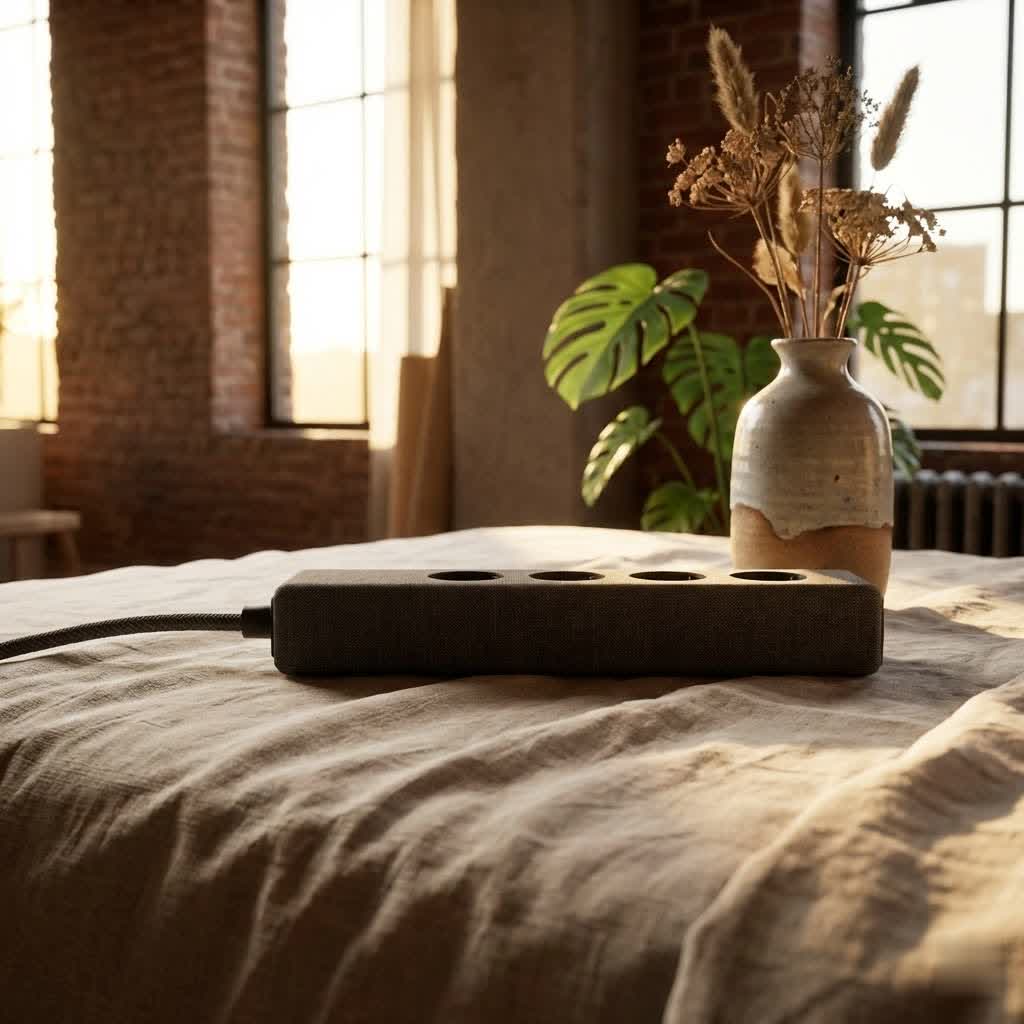
Are you tired of tangled cords, bulky plugs, and furniture that can’t quite sit flush against the wall? In our increasingly connected lives, the demand for accessible power is constant, but traditional outlets often create clutter and safety hazards. Recessed Power Strips offer an elegant solution, seamlessly integrating power access into your living and working spaces. These innovative power solutions are designed to blend into your environment, providing convenient charging without compromising aesthetics or safety.

What is a Recessed Power Strip and Why Do You Need One?
A recessed power strip, sometimes referred to as a flush mount outlet or an in-desk power grommet, is an electrical device where the outlets are set deeper into a surface or wall. Unlike standard power strips where plugs protrude, recessed versions allow cables to sit flush, creating a smooth and unobtrusive profile. This clever design directly addresses many common household and office frustrations.
The primary benefit of a recessed power strip lies in its ability to reclaim valuable space. By embedding the outlets, you can push furniture, such as desks, beds, or entertainment centers, right up against the wall or surface without damaging cords or leaving unsightly gaps. This not only optimizes your floor plan, particularly in smaller rooms, but also creates a far more aesthetically pleasing environment by minimizing visible cables. Beyond aesthetics, recessed power strips significantly enhance safety. Exposed cords can be tripping hazards, especially in high-traffic areas. When outlets are flush, the risk of accidental disconnection or damage to plugs is greatly reduced. Furthermore, in locations like kitchen or bathroom countertops, recessed outlets offer better protection against splashes and spills, reducing electrical hazards. They can also limit access for young children, adding an extra layer of home safety.
Types of Recessed Power Strips: Finding Your Perfect Fit
The market for recessed power strips has expanded to meet diverse needs, offering various configurations and features. Understanding the different types available can help you select the ideal solution for your specific application.
By Features
- Standard AC Outlets: The most basic form, offering multiple standard electrical sockets. These are perfect for powering general appliances and devices.
- USB-A and USB-C Charging Ports: Modern recessed power strips frequently include integrated USB ports, often with fast-charging capabilities (e.g., 18W USB-A and 20W USB-C). These are indispensable for charging smartphones, tablets, and other portable electronics directly, eliminating the need for bulky adapters.
- Surge Protection & Overload Protection: Essential for safeguarding sensitive electronics, many recessed power strips come with built-in surge protection to shield devices from voltage spikes and overload protection to prevent overheating due to excessive power draw.
- Smart Features: While less common for deeply recessed options, some advanced units may offer smart functionalities like remote control via an app, scheduling, or energy monitoring, allowing for greater control over your power usage.
- Wireless Charging: A few innovative designs even incorporate a wireless charging pad, providing another convenient, cable-free charging option directly on your surface.
|
Our Picks for the Best Power Strip in 2026
We may earn a commission when you use one of our links to make a purchase.
|
||
| Num | Product | Action |
|---|---|---|
| 1 | 3FT Ultra Flat Plug Extension Cord Power Strip with 3 Outlets, Patented Detachable Ultra-Thin Outlet Cover Concealer & Ultra-Flat Plug, Max. 13A 125V 1625W ETL Listed, White Color |

|
| 2 | 6 Ft Surge Protector Power Strip - 8 Widely Outlets with 4 USB Ports, 3 Side Outlet Extender with 6 Feet Extension Cord, Flat Plug, Wall Mount, Desk USB Charging Station, ETL,White |
|
| 3 | Surge Protector Power Strip - HANYCONY 8 Outlets 4 USB (2 USB C) Charging Ports, Multi Plug Outlet Extender, 5Ft Braided Extension Cord, Flat Plug Wall Mount Desk Charging Station for Home Office ETL |
|
| 4 | Amazon Basics Surge Protector Power Strip, 6-Outlet, 790 Joules, LED Indicator, 6ft Extension Cord, White |
|
| 5 | Surge Protector Power Strip - CHCORE 5Ft Braided Extension Cord with 8 Outlets with 4 USB (2 USB C) Charging Ports, Flat Plug Multi Plug Outlet Extender Charging Station for Home Office, ETL, White |
|
| 6 | Pink Extension Cord with Surge Protector - 5 FT Kawaii Power Strip, Cute Extension Cord with 6 USB(3 USB C) and 8 Outlets, Pink Desk Accessories for Girl Cute Kawaii Room Decor Gifts Office Dorm Home |
|
| 7 | Amazon Basics Rectangle 6-Outlet, 600 Joule Surge Protector Power Strip, 2ft, Black, Small, 2-Pack |
|
| 8 | Belkin 12-Outlet Surge Protector Power Strip w/ 12 AC Outlets & 8ft Flat Plug, UL-listed Heavy-Duty Extension Cord for Home, Office, Travel, Computer, Laptop, Charger - 3,940 Joules of Protection |
|
| 9 | Amazon Basics Surge Protector Power Strip, 6-Outlet with 200J Protection, 2ft Extension Cord, Rectangle, Black (2 Pack) |
|
| 10 | 10 Ft Ultra Thin Extension Cord, 5-Outlet Power Strip Surge Protector with 4 USB Ports (2 USB C), 1875W/15A, Low Profile Flat Plug, 1700 Joules, Wall Mount for Home Office, White |
|
By Application and Design
- Wall-Mounted: Ideal for discreetly powering wall-mounted flat-screen TVs, soundbars, or lamps positioned behind furniture. These outlets allow appliances to sit flush against the wall, giving a clean, minimalist look.
- In-Desk/In-Surface: These are commonly found in offices, workshops, and kitchen islands. They are installed directly into the surface of a desk, countertop, or workbench, providing immediate and convenient access to power and charging ports where you need them most. Many are “grommet” style, fitting into a circular hole.
- Furniture Integrated: Designed to be installed into the arms of sofas, nightstands, or headboards, these bring power directly to your relaxation or sleep spaces, eliminating the need to reach for distant wall outlets.
Key Considerations Before Buying a Recessed Power Strip
Choosing the right recessed power strip involves more than just picking one with enough outlets. Careful consideration of specific factors will ensure you get a product that meets your needs for performance, safety, and longevity.
First, assess your power requirements. How many devices will you regularly plug in? Do you need standard AC outlets, USB-A, USB-C, or a combination? Note the wattage and amperage ratings of your devices to ensure the power strip’s capacity (e.g., 1500W, 10A, 125V) is sufficient. Overloading a power strip is a significant safety risk.
Safety features are paramount. Always look for models with surge protection to guard against electrical spikes. Overload protection, which automatically shuts off power if the current draw is too high, is also critical. For locations where children might be present, tamper-resistant outlets offer an added layer of safety. If you plan to install a recessed power strip in wet environments like kitchens or bathrooms, ensure it offers GFCI (Ground Fault Circuit Interrupter) protection or is connected to a GFCI-protected circuit to prevent electric shock.
Consider the installation type required. Some recessed strips are designed for wall mounting, requiring a cut into drywall and potentially wiring by an electrician. Others are made for furniture or desk surfaces, often involving cutting a precise hole and securing with screws or clamps. Evaluate your DIY comfort level and the tools available.
Finally, think about cord length and plug type. A sufficiently long cord is crucial to reach a wall outlet without needing an additional extension cord, which can negate the space-saving benefits and introduce new hazards. A flat-angle plug can also be advantageous if the main power outlet is behind furniture, allowing it to sit closer to the wall. Researching reputable brands and checking for safety certifications (like UL Listed) will also contribute to a trustworthy and reliable purchase.
A Step-by-Step Guide to Installing Your Recessed Power Strip
Installing a recessed power strip can be a rewarding DIY project, bringing convenience and a clean look to your space. While wall-mounted installations often require electrical expertise, many in-surface models are straightforward. Always prioritize safety by following these steps:
1. Preparation and Safety First
Before you begin any electrical work, turn off the power to the circuit you’ll be working on at your home’s main electrical panel. Use a voltage tester to confirm the power is off. Gather your tools, which typically include a pencil, tape measure, drill, jigsaw (for surface installations) or drywall saw (for wall installations), screwdriver, and the recessed power strip itself.
2. Measure and Mark
Carefully measure the dimensions of your recessed power strip’s cutout area. This is usually specified in the product’s manual. Choose the exact location for installation, ensuring there’s enough clearance beneath the surface or behind the wall for the body of the strip and its wiring. Use a pencil to precisely mark the outline of the hole you need to cut. “Measure twice, cut once” is a golden rule here.
3. Cutting the Hole
For surface installations (desks, countertops): Drill a pilot hole in one corner of your marked outline, large enough to insert your jigsaw blade. Carefully cut along the marked line with the jigsaw. Take your time to ensure a clean, precise cut.
For wall installations: If replacing an existing outlet with a recessed version, you might need to enlarge the opening using a drywall saw. If creating a new opening, mark the location and cut carefully.
4. Wiring (for wall installations or direct wire-ins)
If you’re installing a recessed outlet that replaces a standard wall outlet, you will need to handle electrical wiring. This typically involves connecting hot (black), neutral (white), and ground (bare copper or green) wires to the corresponding terminals on the new outlet. If you are not experienced with electrical wiring, it is strongly recommended to hire a qualified electrician to ensure safety and compliance with local electrical codes. For many pre-wired recessed power strips designed for furniture, this step is simply plugging the strip’s own cord into an existing wall outlet.
5. Securing the Strip
Feed the power strip’s cable through the newly cut hole. Carefully insert the recessed power strip into the opening. It should fit snugly. Many models will have screw holes around the perimeter. Use a drill to create small pilot holes (this prevents wood from splitting, especially in particle board or softer materials) and then secure the strip with the provided screws. Some desk models use a clamping mechanism that tightens from underneath. Ensure the strip is flush and securely fastened.
6. Final Checks and Cable Management
Once installed, carefully run any necessary cables from your devices to the power strip. Consider using cable ties or covers to manage the main power cord and device cables, maintaining a neat and tidy setup. Turn the power back on at your circuit breaker and test all outlets to ensure they are functioning correctly.
Maximizing Safety and Efficiency with Your Recessed Power Strip
While recessed power strips offer enhanced safety, it’s crucial to use them responsibly to maintain a secure and efficient power setup.
First and foremost, never overload your power strip. Each unit has a maximum power capacity (measured in watts and amps). Plugging in too many high-wattage devices can exceed this limit, leading to overheating, tripping breakers, or even fire. Always refer to the product specifications and the power requirements of your devices.
Keep your power strip dry. Avoid using recessed power strips in areas prone to moisture unless the product is specifically rated for wet or damp conditions and is protected by a GFCI. This is especially pertinent for kitchen and bathroom installations.
Regularly inspect your power strip and its cords. Check for any signs of wear and tear, such as frayed wires, cracked casings, or discolored outlets. If you notice any damage, discontinue use immediately and replace the unit. Old or damaged power strips can pose significant fire and shock hazards.
For recessed power strips installed into horizontal surfaces like desktops or kitchen islands, be mindful of potential issues with upward-facing receptacles. While convenient, spills can easily enter these outlets, creating a severe electrical hazard. If your setup has upward-facing outlets, consider using covers when not in use or selecting models with built-in spill protection. For any complex wall installations involving direct wiring, or if you have any doubts about electrical work, always consult a licensed electrician to ensure compliance with electrical codes and overall safety.
Conclusion
Recessed power strips are a modern electrical solution that marries functionality with sleek design. By tucking power outlets neatly into walls or furniture, they eliminate unsightly cable clutter, free up valuable space, and significantly enhance safety in your home or office. Whether you’re mounting a TV flush against the wall, streamlining your workspace, or bringing power conveniently to your kitchen island, a recessed power strip offers a sophisticated upgrade. Choosing the right model with appropriate features like USB charging and surge protection, and ensuring safe installation and usage, can transform your environment into a more organized, efficient, and aesthetically pleasing space. It’s time to upgrade your power access and embrace a cleaner, safer, and more connected lifestyle. What innovative ways will you integrate recessed power into your space?
Frequently Asked Questions
What is the difference between a recessed outlet and a regular one?
A recessed outlet features a design where the receptacle sits deeper within the wall or surface, allowing plugs and cords to remain flush rather than protruding. This creates a cleaner look and enables furniture to be placed tightly against the wall, unlike traditional outlets where plugs extend outward.
Are recessed power strips safe?
Yes, recessed power strips can be very safe. They reduce tripping hazards by eliminating protruding plugs and can offer protection against splashes in certain environments. Many also include surge and overload protection for devices. However, safe installation and adherence to power limits are crucial.
Can I install a recessed power strip myself?
Many in-surface recessed power strips designed for desks or furniture can be installed by a DIY enthusiast with basic tools and careful measuring. However, installations involving direct wiring into a home’s electrical system (like wall-mounted outlets) should ideally be performed by a qualified electrician to ensure safety and compliance with building codes.
Where are recessed power strips best used?
Recessed power strips are highly versatile. They are ideal behind wall-mounted TVs, to allow furniture to sit flush against walls, in kitchen islands and countertops for discreet appliance power, and integrated into desks or conference tables for convenient charging access.
Do recessed power strips offer surge protection?
Many modern recessed power strips come equipped with built-in surge protection, often alongside overload protection. This feature is important for shielding your valuable electronic devices from unexpected voltage spikes and power fluctuations, helping to extend their lifespan.